
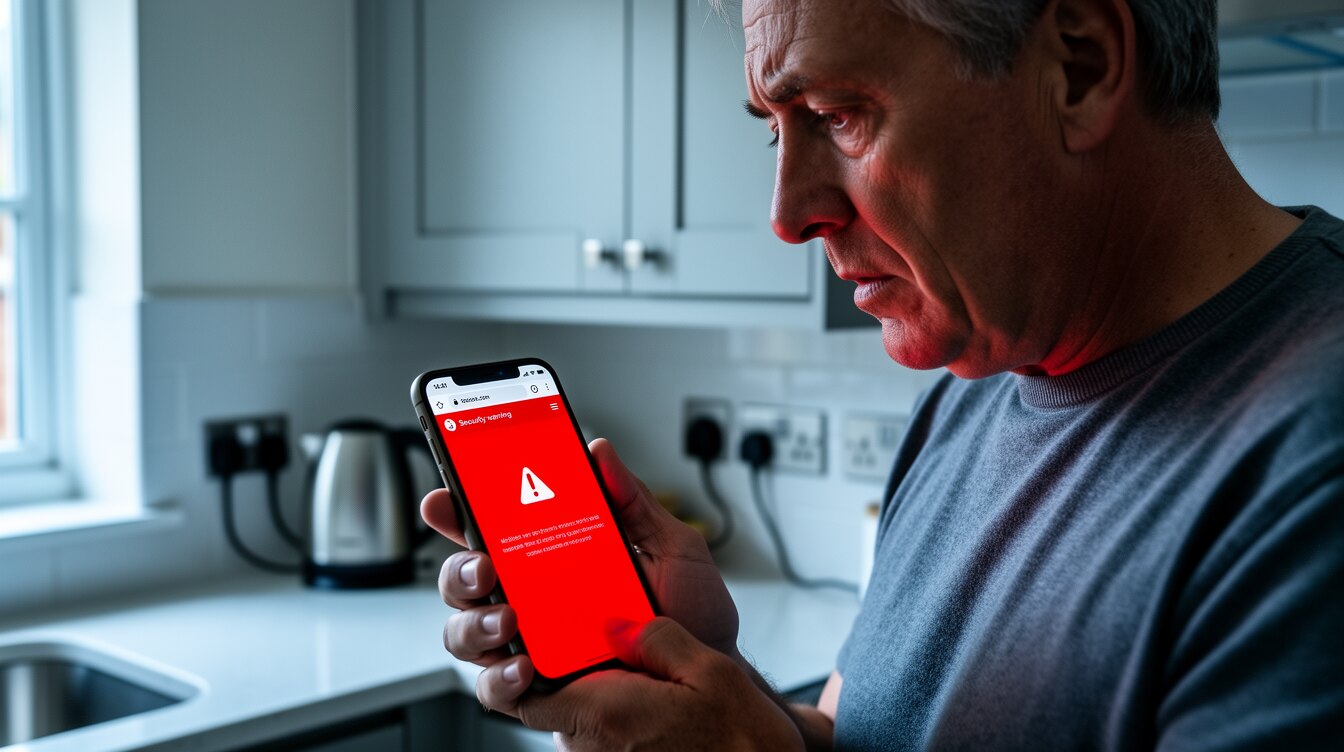
Since 2018, browsers have labelled any website without HTTPS as Not Secure, right next to the address. It is the digital equivalent of a sign on the door telling people to be wary. Our scan found a startling number of tradesman websites carrying exactly that warning.
Here is how widespread the problem is, what the Not Secure label does to a customer, and why it is one of the simplest things to get wrong and to fix.
How we did this
Sample: a technical scan of 788 UK tradesman websites surfaced through our prospecting, across trades including builders, electricians, plumbers and roofers, mostly in the East of England, Bedfordshire and West London. Important: these businesses were flagged as candidates who might need a new site, so the sample leans toward the older end of the market and is not a random sample of all tradesmen. Of the 788, 57% returned no working page to the scan; the percentages below are of the 230 sites that did load and could be analysed, unless stated. Collected 2026.
The key findings
- 71% of the tradesman websites that loaded in our scan had no HTTPS. Browsers flag every one of them as Not Secure.
- A further 13% returned an outright error (page not found, server error and similar), so they are broken as well as exposed.
- 57% of all 788 sites we tried returned no working page at all, the broadest sign of neglect.
- HTTPS has been the baseline since 2018, when browsers began labelling sites without it as Not Secure, so these are not edge cases, they are years behind a basic standard.
What 'Not Secure' actually means to a customer
HTTPS is the padlock in the address bar. It encrypts the connection between a visitor and a website, and since 2018 every major browser shows a clear Not Secure warning on any site that lacks it. A homeowner about to fill in your contact form, or just reading your services, sees that label sitting next to your name.
Most people do not know the technical meaning. They just know it feels wrong, like a business that cannot be bothered or cannot be trusted. On a decision as personal as letting a tradesman into their home, that flicker of doubt is often enough to send them elsewhere.
The scale of the gap
Among the trade websites that actually loaded for our scan, 71% had no HTTPS at all. These are live websites, fronting real businesses, every one of them carrying a browser warning the owner has probably never seen because they only ever view their own site on a trusted device or out of habit.
It compounds with everything else. A site that is not secure is usually also old, slow and not mobile-friendly, because all of those failures tend to travel together. The Not Secure label is often just the most visible symptom of a website nobody has maintained in years.
It is also an SEO and AI problem
This is not only about appearances. Google has used HTTPS as a ranking signal for years and prefers secure sites in its results. Browsers increasingly block or interrupt insecure pages. And the structured, trustworthy presence that AI search engines look for does not begin with a site flagged as unsafe.
In other words, a missing padlock quietly costs you on every front at once: trust, rankings, and the chance of being surfaced by newer search tools.
The good news: it is a quick fix done right
Unlike a full rebuild, HTTPS itself is not complicated to put in place, which makes it all the more telling that so many trade sites still lack it. It points to websites that are simply not being looked after by anyone. When we build a site, HTTPS, security and a fast modern setup are standard, not extras.
If most of your competitors are showing customers a Not Secure warning, removing yours is one of the easiest ways to look like the safer, more professional choice.
Frequently asked questions
How many tradesman websites are not secure?
What does 'Not Secure' mean on a website?
Does HTTPS affect Google ranking?
Want to lose the 'Not Secure' warning?
Every website we build for tradesmen is secure, fast and modern as standard, with HTTPS built in and no warnings on the door. From £750, and you own everything. Based in Watford.